What the official app costs
- Log
- 14 of 25
- Date
- Reading
- 1 min read
Skills in this log
The maker provides a desktop app to drive the robot from a computer: 3D view, live camera, volumes, app store, updates. I installed it, tried it, then measured what it costs the robot while my own program runs.

The measurements
Robot processor load (4 cores), read on board:
| No. | Situation | Load | Robot software | Audio | My program |
|---|---|---|---|---|---|
| 1 | App open, camera shown | 7.0 to 7.5 | 208% | 75% | 33%, 150 frames a minute instead of 180 |
| 2 | Four minutes after closing it | 2.4 | 112% | 21% | 53% |
A load of 7 on 4 cores means tasks are queuing. The app costs the robot software about one core, and the audio about half a core. And my program suffers: it sees fewer frames.
The rule
The official app stays installed, closed by default. I open it for an update or a setting, then close it. When my program is working, it is not open.
Worth knowing if you use it
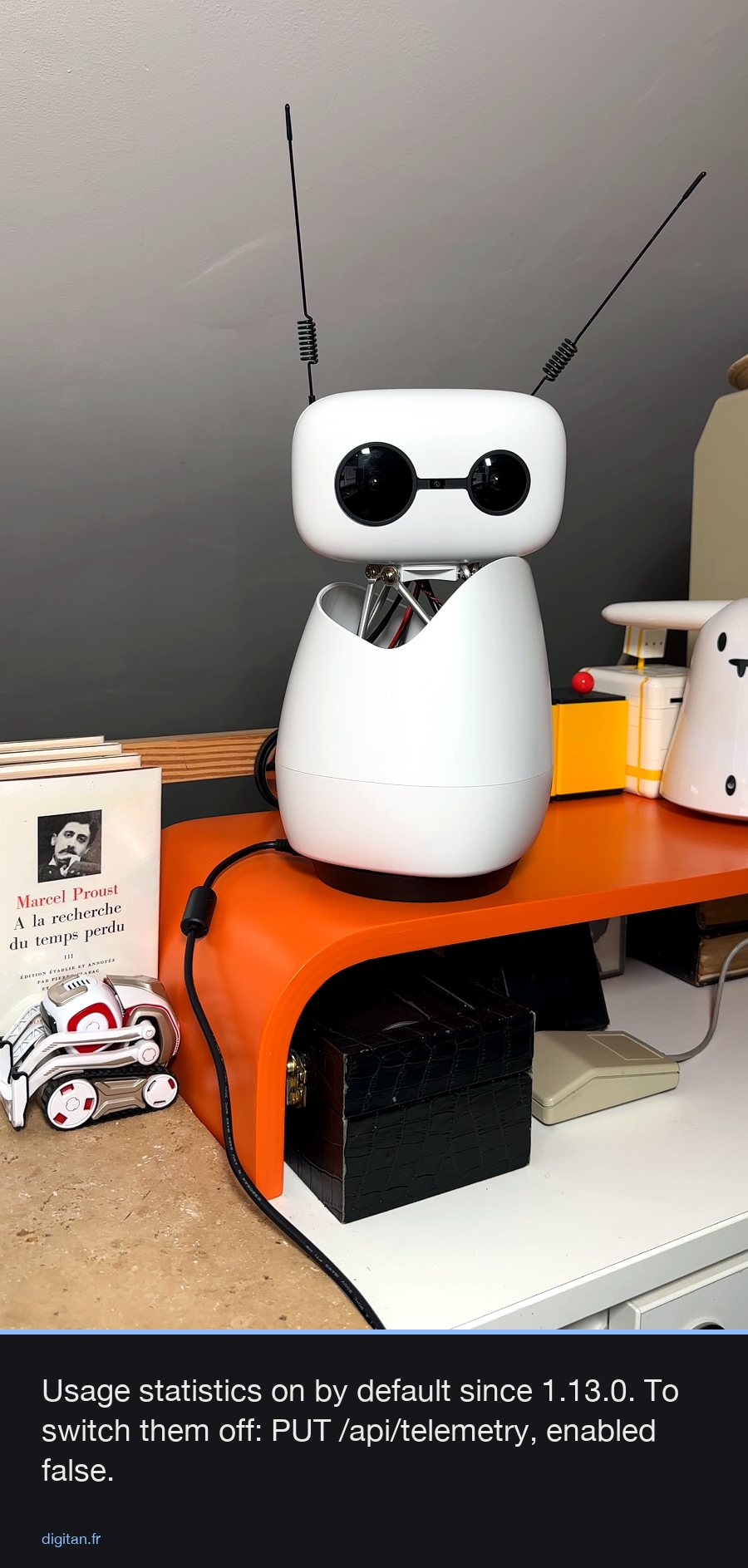
It is a good tool to discover the robot and for updates. But its live camera thumbnail is not free: if your app needs the processor, close it. And it sends anonymous usage statistics, a setting you can switch off.