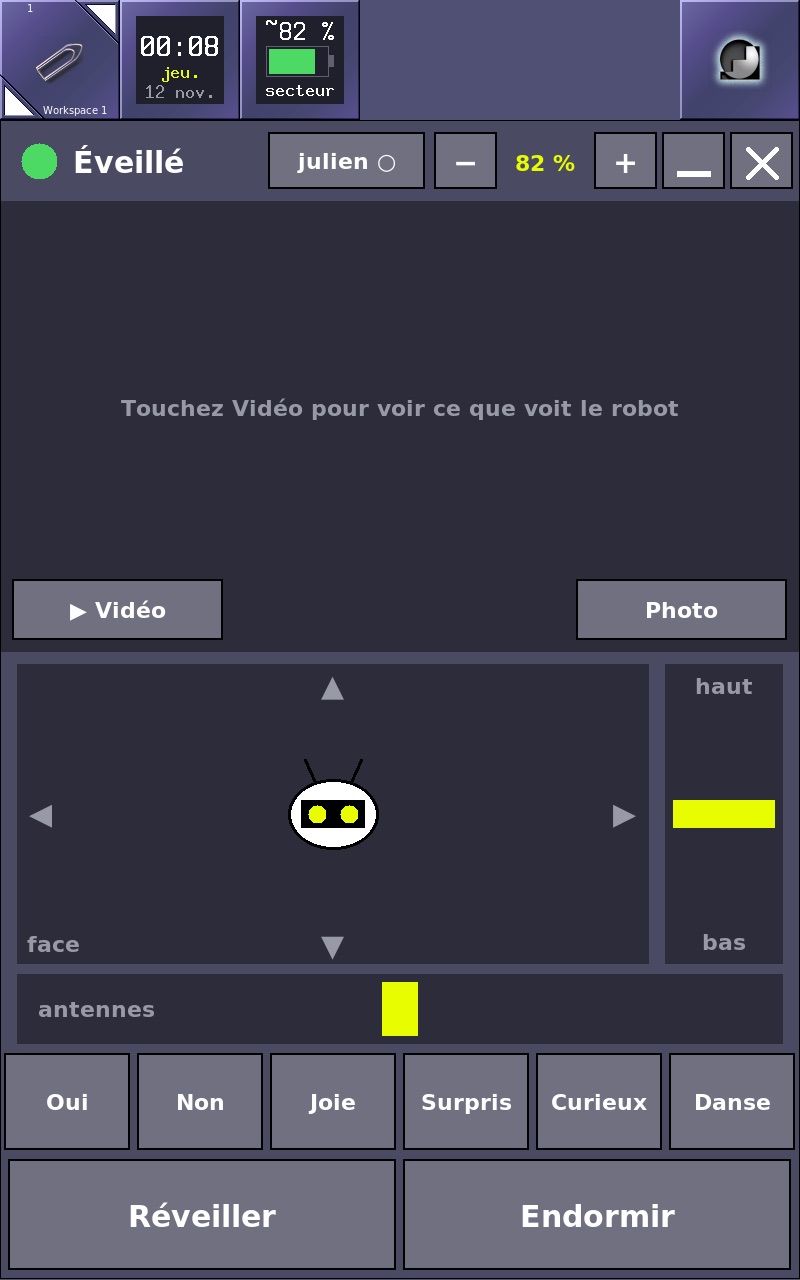
A 2011 screen for my robot: bringing a Galaxy Note back to life with Linux
- Log
- 23 of 25
- Date
- Reading
- 2 min read
Skills in this log
My robot has no screen. To give it one, I pulled a 2011 Samsung Galaxy Note out of a drawer. It has a 5.3-inch, 800 × 1280 display and a real pen. It was missing a battery, and an operating system from this century.
Where it started
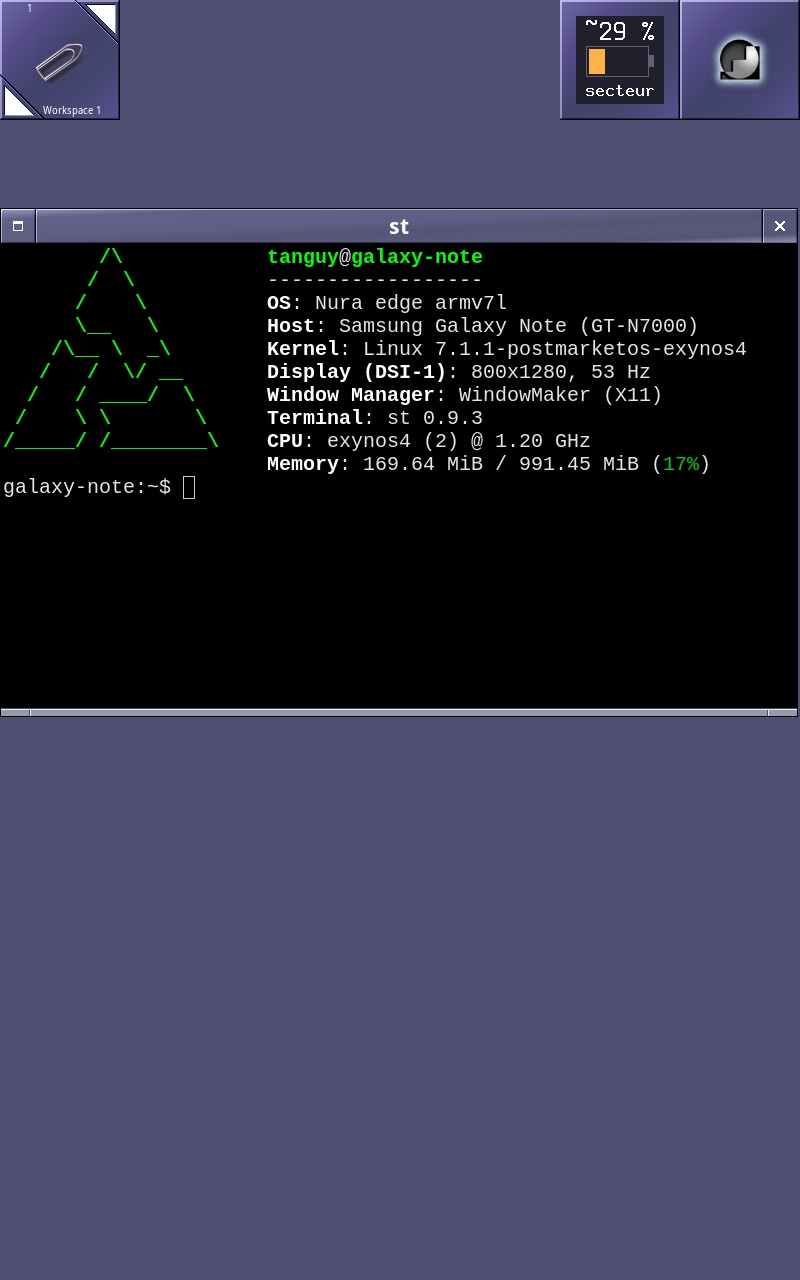
Once the new battery arrived, the phone booted into what I had put on it years ago: Android 4.4.4 from CyanogenMod. I made a full backup first. Then I installed Nura, the phone Linux distribution from the postmarketOS project, built on Alpine Linux, with a recent kernel.
Without a USB cable
The phone’s USB port still charges, but it no longer carries data to the computer. So everything went over Wi-Fi. The old Android accepts a debugging connection over the network. Through it, I wrote a small boot program, U-Boot, in place of the original kernel. The system itself lives on the microSD card, which I wrote from the computer.
One mistake and I would have needed a cable I don’t have. It booted on the first try.
What didn’t work
- Wi-Fi. The original phone’s driver made the chip fail at startup. The chip’s generic firmware, with the Note’s own settings file, fixed it.
- The pen. Nothing described it to the kernel. I added its description: which chip, on which bus, which pin signals a touch. It stayed silent: the driver queries the chip the very moment it wakes it up, too early for it. The fix was to keep it awake all the time.
- Accuracy. The pen sensor overshoots the screen by about 6% on each side. A small tool with four targets, touched one by one with the tip, computes the correction. It took three passes: one stray touch is enough to throw everything off.
- The power button. A short press shut everything down. It now turns the screen off, and only a long press shuts the phone down.
- The battery. The chip’s gauge isn’t set up for this battery. Until it is, the percentage is estimated from the voltage, and the display says so with a “~”.
The desktop
For the interface I chose Window Maker, a desktop modelled on NeXTSTEP: tiles, a menu that opens when you touch the screen, and nothing else. Add a terminal, a virtual keyboard that always sits at the bottom, windows that never spill off the screen, and a pen double tap that counts as a double click. The tip is accurate enough that the cursor became useless: it hides as soon as the pen touches the screen.
What’s next
The phone is ready. Its first real job: becoming the robot’s remote control, with a view through its camera.